 Smalt
Answer cards
Answers appear above the pill at the bottom of the screen, as light cards right under the line they answer.
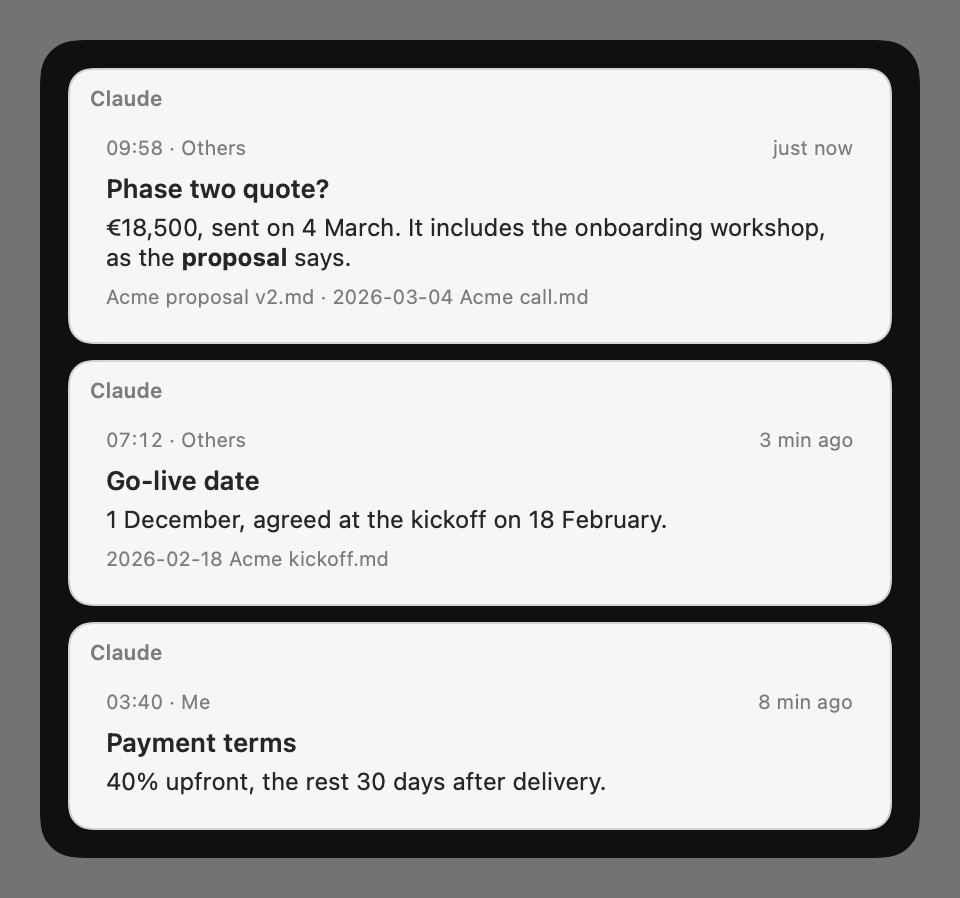
What a card shows
- Who answered: Claude or Smalt.
- When the question was asked and by whom (Me, Others), and how long ago.
- A short title, the answer, and the files it came from.
How long they stay
Settings → Meetings → Live answers → Answers stay for: 30 seconds to 5 minutes, 90 seconds by default. Then the card folds into the conversation.
Click the pill, or press ⌃⌥S, to open the whole meeting with every answer under its question. Back to Live or Esc folds it again.
On a card
- Hover it: its age turns into a Copy button.
- Right-click for Copy Answer, or Close to take it off the pill.
In their language
With live translation on, turn on Settings → Meetings → Also answer in their language. When someone asks you something in another language, the card shows what they asked in your language, the answer, and under In French (or their language) the same answer to read out or paste into the call's chat, with its own Copy. Both are translated on your Mac, unless Settings → Cloud says the cloud model translates.